Transfer functions
Overview
A transfer function (TransferBase)
describes how an optical system modifies the
spectral content of an envelope
(typically a BaseEnvelope).
It acts multiplicatively in the frequency domain:
Examples
Typical transfer functions include:
spectral filters
phase shifts
dispersion
time delays
Normalization and loss
Applying a transfer produces an unnormalized result
The modes subsystem enforces:
Here:
\(\zeta_{\mathrm{out}}\) remains normalized
\(\eta\) represents transmitted power
This separation allows loss to be handled at the quantum-state level.
Execution strategies
Gaussian-closed (analytic)
If both the envelope and transfer support analytic Gaussian representations:
transformation is evaluated in closed form
no sampling is required
output is typically a Gaussian mixture
Numerical filtering
For general cases:
spectrum is evaluated on a grid
multiplication is performed pointwise
result is reconstructed via FFT
This path is more general but computationally heavier.
Gaussian transfer formalism
Gaussian-compatible transfers can be expressed as
where each \(G_k\) is a Gaussian atom.
Applying such a transfer to a Gaussian envelope yields a finite Gaussian mixture in closed form.
Structure-preserving operations
Some operations act directly on envelope parameters:
time delay (shift in \(\tau\))
phase shift
frequency offset
These transformations preserve normalization and typically satisfy
Common transfer implementations include:
Transfers are typically applied using
apply_transfer().
Examples
Gaussian band-pass filter (analytic)
import numpy as np

from symop.modes.envelopes import GaussianEnvelope
from symop.modes.transfer import GaussianBandpass
from symop.modes.transfer.apply import apply_transfer
import symop.viz as viz

env = GaussianEnvelope(
    omega0=10.0,
    sigma=2.0,
    tau=0.0,
    phi0=0.0,
)

filt = GaussianBandpass(
    w0=10.0,
    sigma_w=0.1,
)

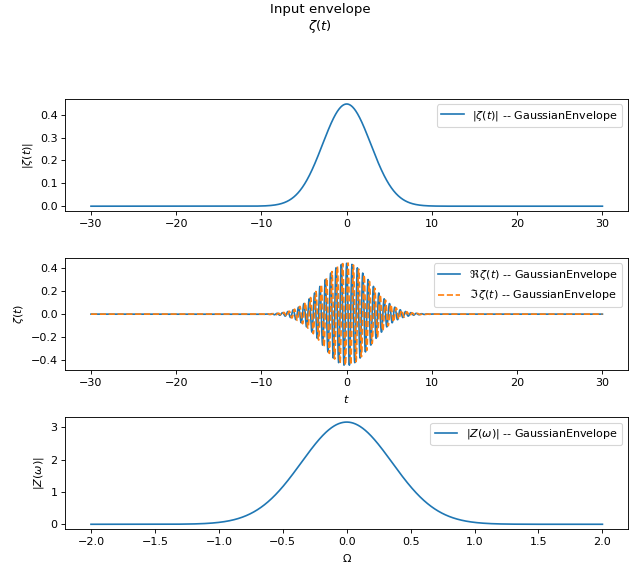
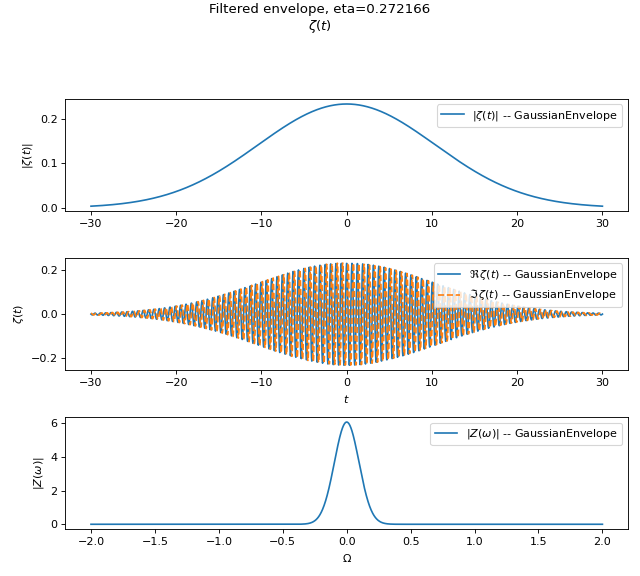
out, eta = apply_transfer(filt, env)

t = np.linspace(-30.0, 30.0, 2000)
w = np.linspace(8.0, 12.0, 2000)

viz.plot(
    env,
    t=t,
    w=w,
    title="Input envelope",
    normalize_spectrum=False,
    freq_relative=True,
    show=False,
)

viz.plot(
    out,
    t=t,
    w=w,
    title=f"Filtered envelope, eta={eta:.6f}",
    normalize_spectrum=False,
    freq_relative=True,
    show=False,
)
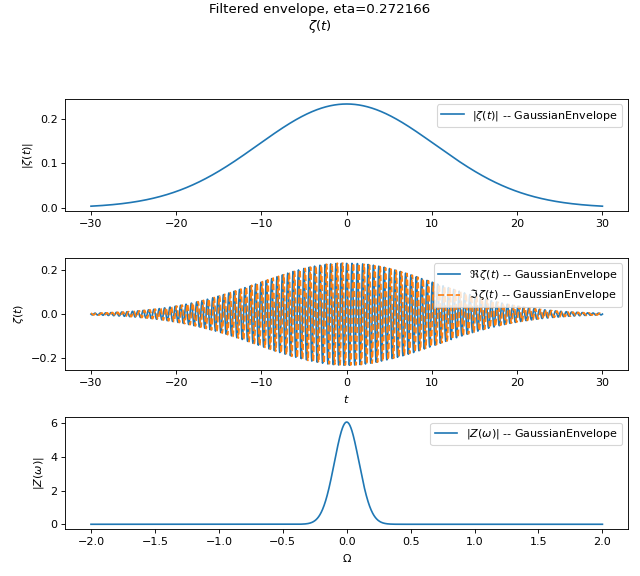
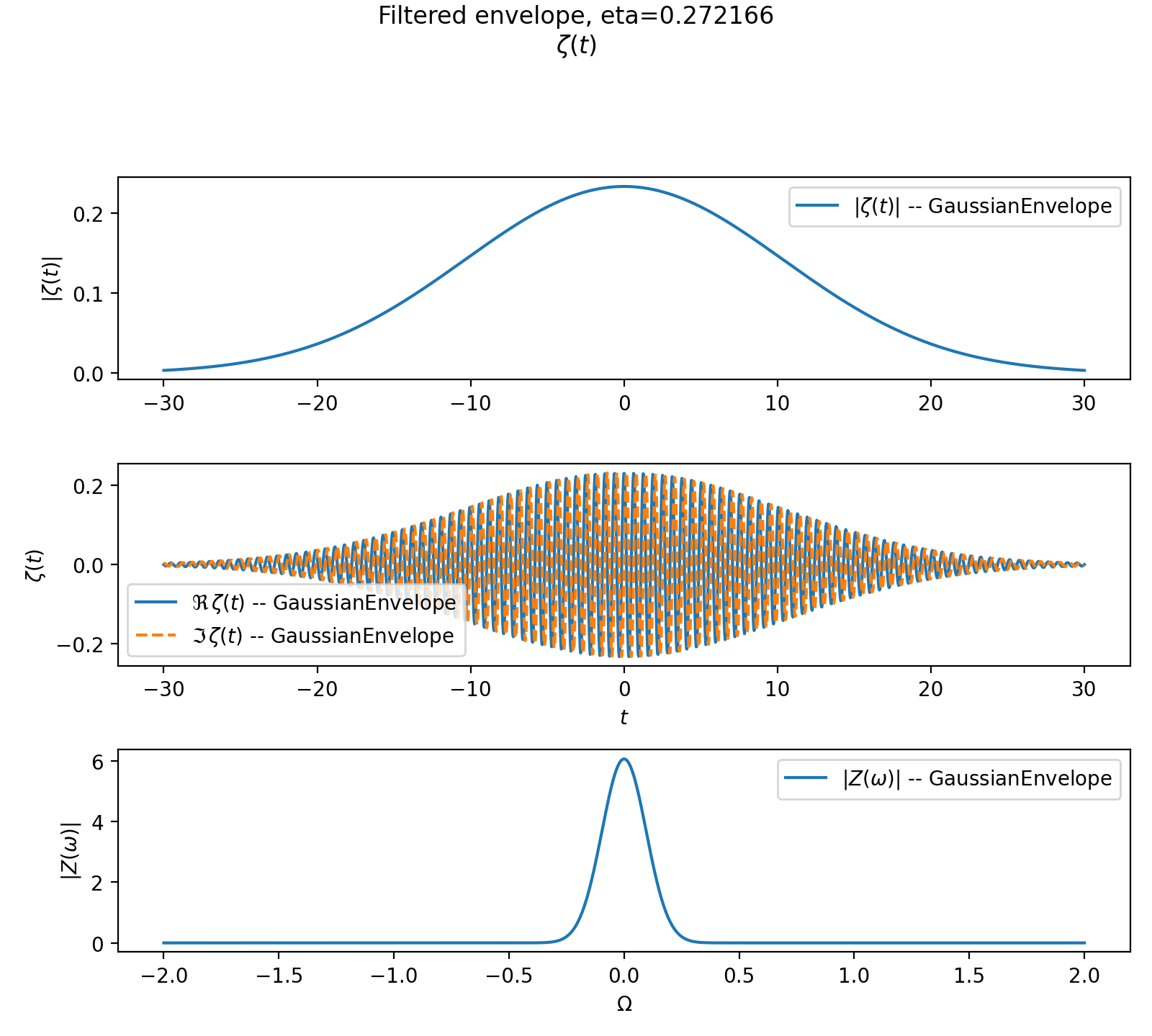
Expected behavior:
output remains in the Gaussian-closed family
\(\eta < 1\) due to filtering loss
Time delay (structure-preserving)
import numpy as np

from symop.modes.envelopes import GaussianEnvelope
from symop.modes.transfer import TimeDelay
import symop.viz as viz

env = GaussianEnvelope(
    omega0=10.0,
    sigma=1.0,
    tau=0.0,
    phi0=0.0,
)

delay = TimeDelay(tau=2.0)

out, eta = delay.apply_to_gaussian(env)

print(out.tau, eta)

t = np.linspace(-6.0, 10.0, 2000)
w = np.linspace(8.0, 12.0, 2000)

viz.plot(
    env,
    t=t,
    w=w,
    title="Before delay",
    freq_relative=True,
    show=False,
)

viz.plot(
    out,
    t=t,
    w=w,
    title="After delay",
    freq_relative=True,
    show=False,
)
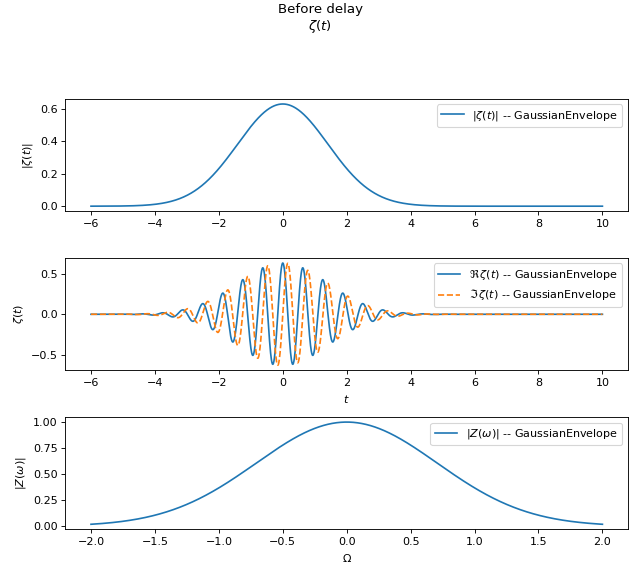
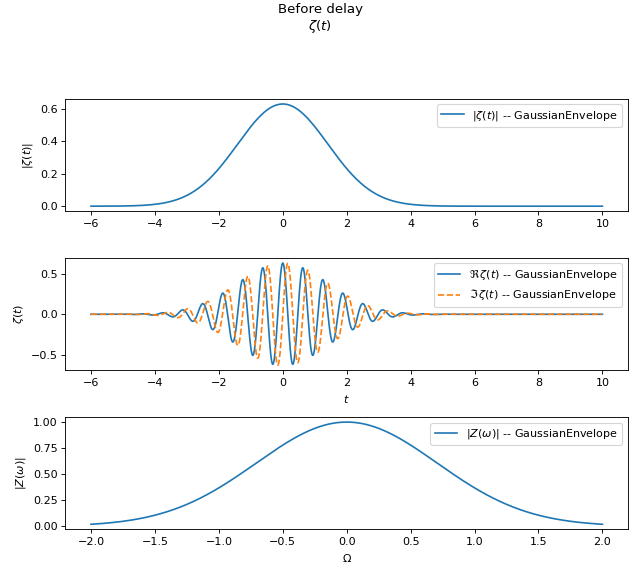
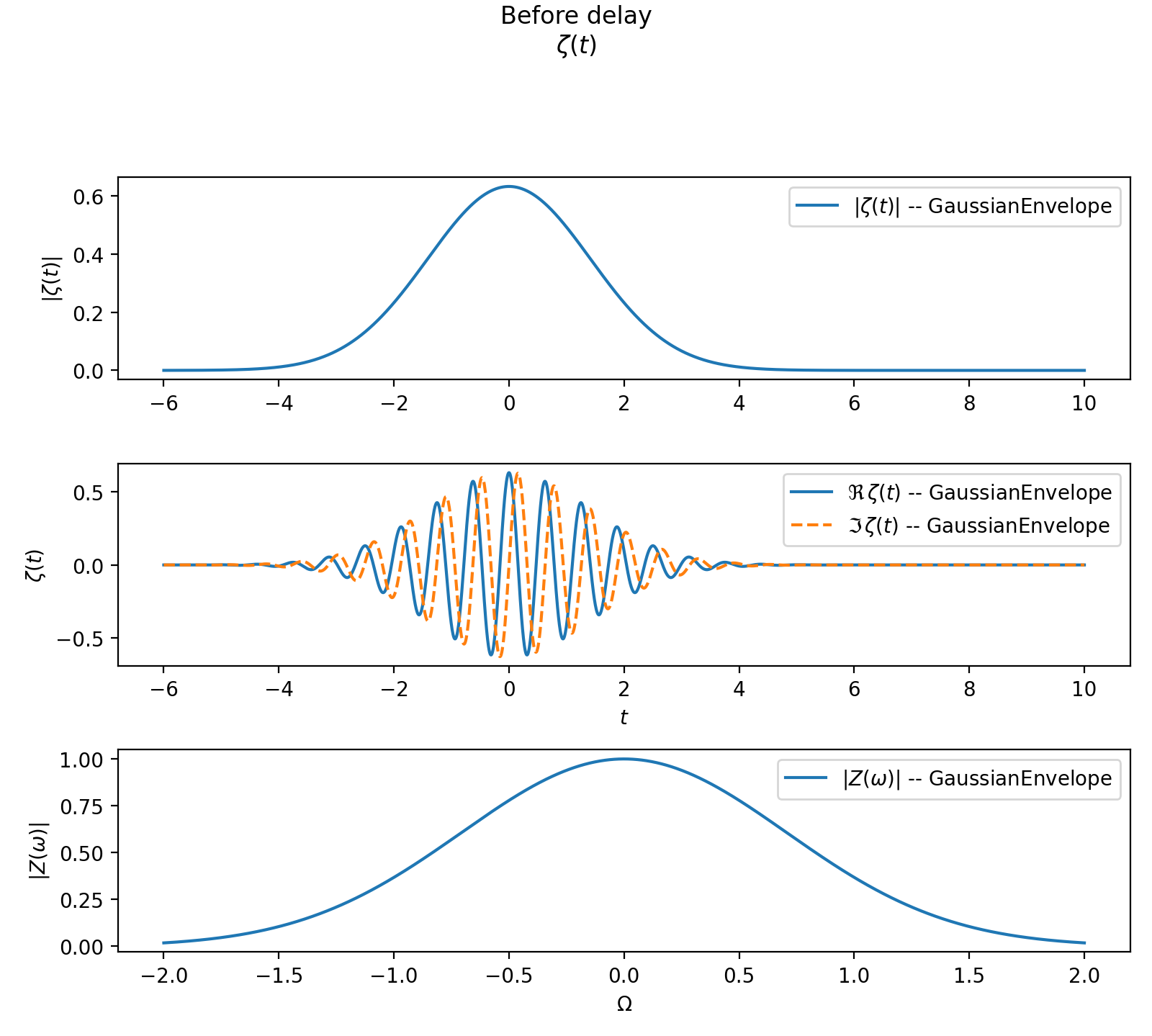
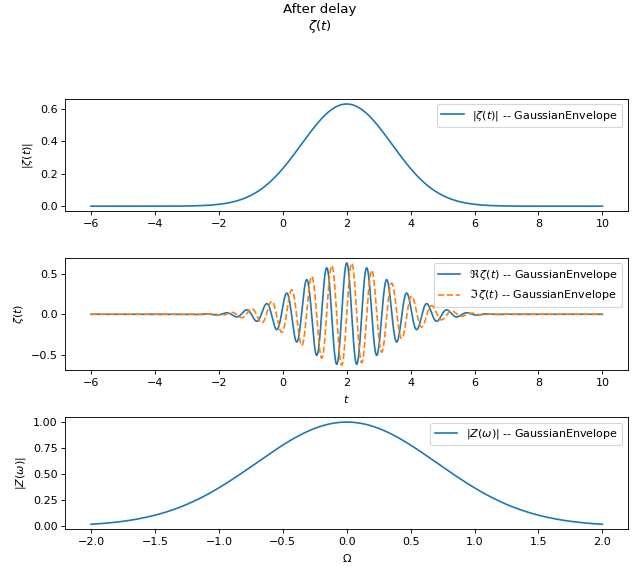
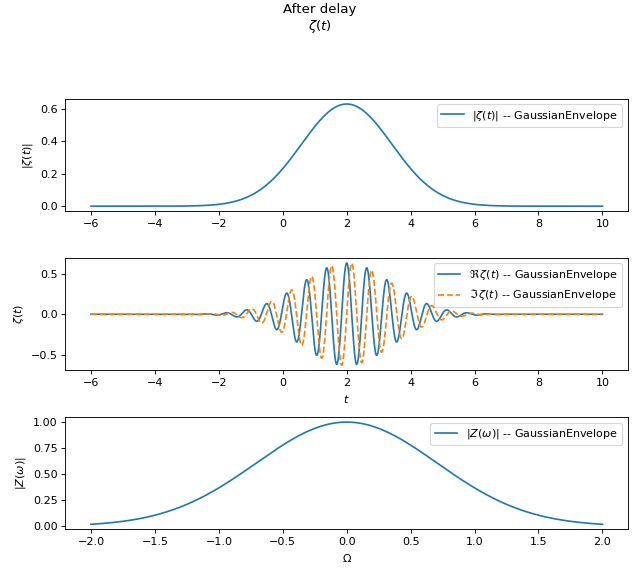
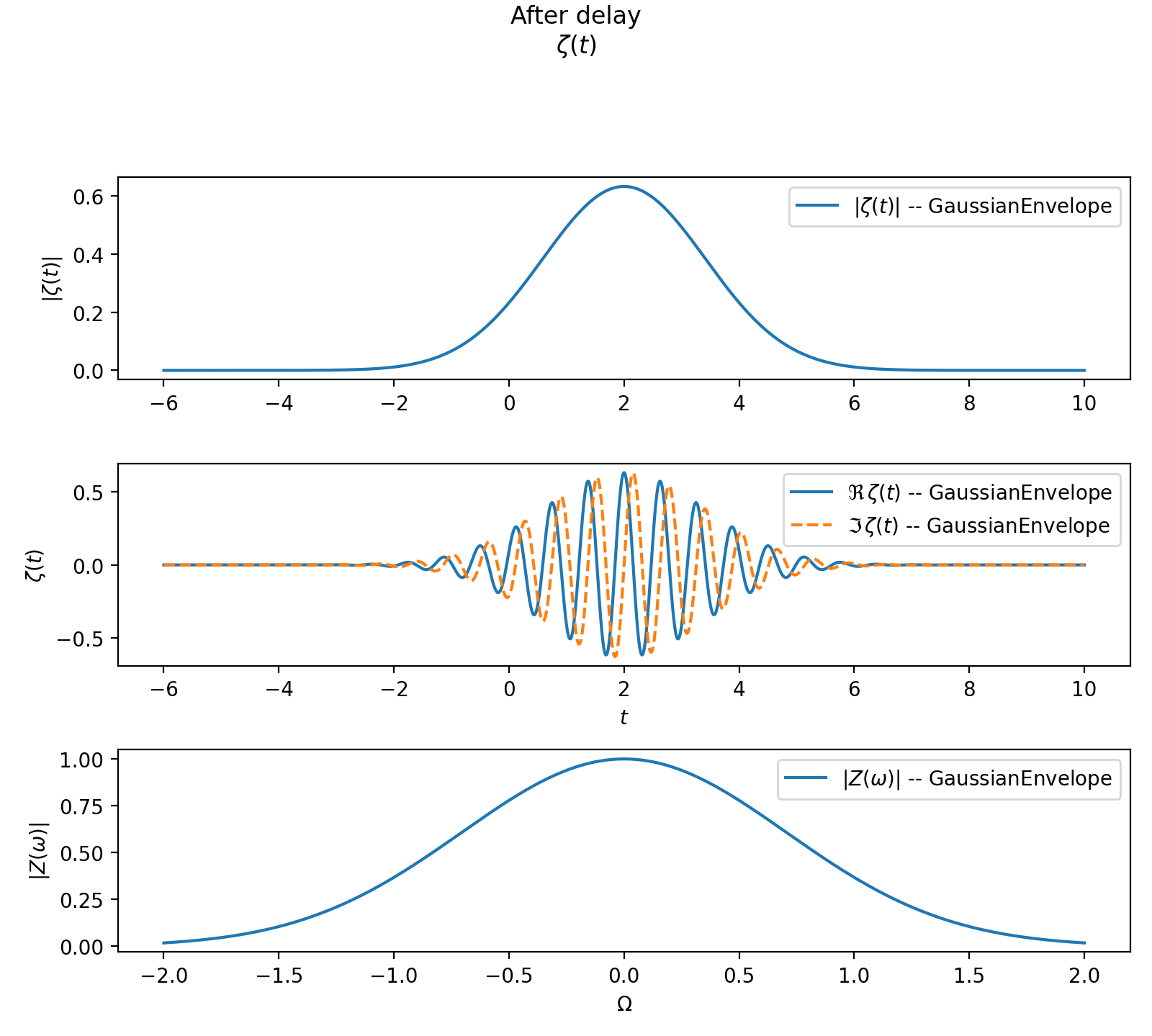
A time delay shifts the envelope in time without introducing loss:
Numerical filtering fallback
import numpy as np

from symop.modes.envelopes import GaussianEnvelope
from symop.modes.transfer import RectBandpass
from symop.modes.transfer.apply import apply_transfer
import symop.viz as viz

env = GaussianEnvelope(
    omega0=10.0,
    sigma=1.0,
    tau=0.0,
    phi0=0.0,
)

filt = RectBandpass(
    w0=10.0,
    width=1.0,
)

out, eta = apply_transfer(filt, env)

print(type(out).__name__)
print(f"eta = {eta:.6f}")

t = np.linspace(-10.0, 10.0, 2000)
w = np.linspace(8.0, 12.0, 2000)

viz.plot(
    out,
    t=t,
    w=w,
    title=f"Numerically filtered envelope, eta={eta:.6f}",
    freq_relative=True,
    show=False,
)
(Source code, png, hires.png, pdf)
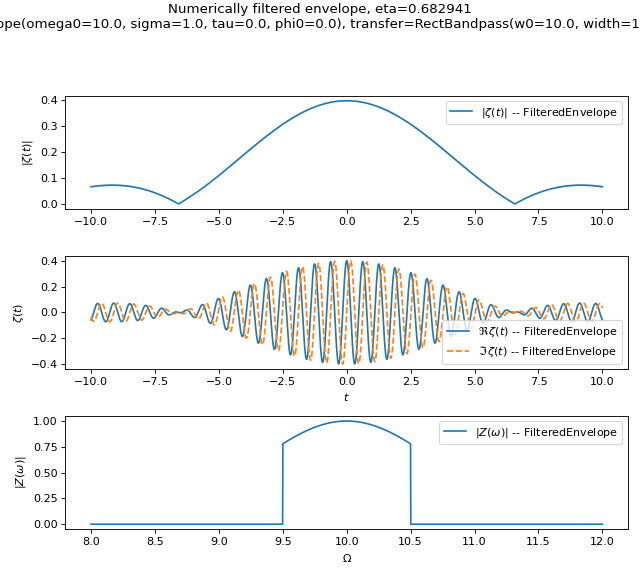
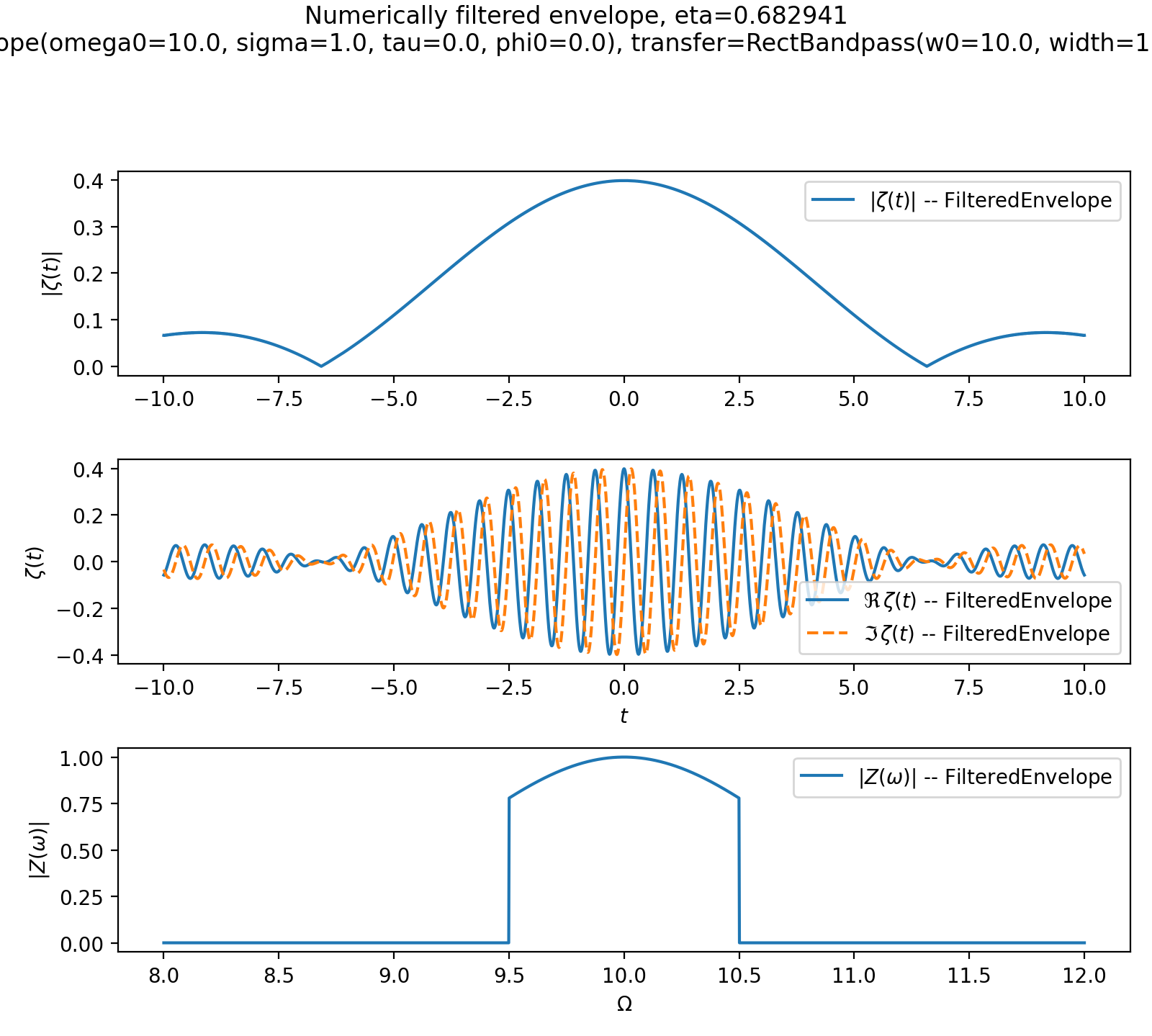
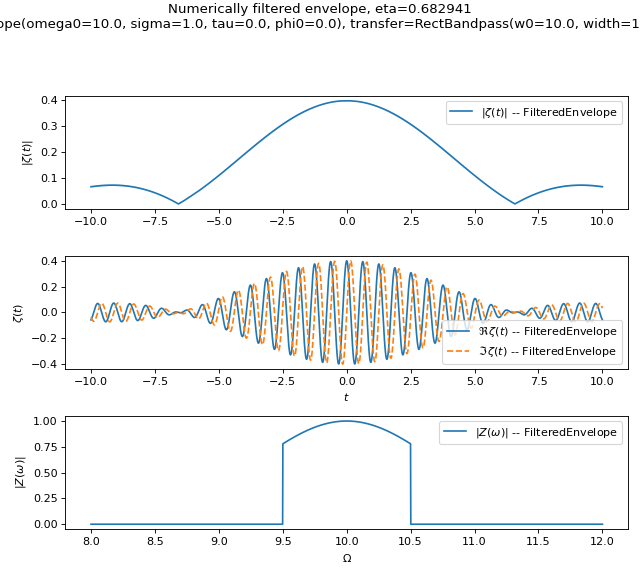
Expected behavior:
output is a
FilteredEnvelopeevaluation is performed numerically rather than analytically
Design notes
Transfers act in the frequency domain.
They may introduce loss, captured by \(\eta\).
Analytic and numerical paths share a common interface.
Transfers compose algebraically.