Mode labels
Overview
A ModeLabel combines the three components
that identify an optical mode in the library:
an envelope object (see
BaseEnvelope)
It represents the semantic identity of a mode and defines the overlap used when comparing modes.
Mathematically, a mode label is written as
with factorized overlap
This factorization determines whether two excitations are identical, orthogonal, or only partially overlapping.
Examples
Constructing a mode label
from symop.modes.envelopes import GaussianEnvelope
from symop.modes.labels.mode import ModeLabel
from symop.modes.labels.path import Path
from symop.modes.labels.polarization import Polarization

env = GaussianEnvelope(
    omega0=10.0,
    sigma=1.0,
    tau=0.0,
    phi0=0.0,
)

mode = ModeLabel(
    path=Path("A"),
    polarization=Polarization.H(),
    envelope=env,
)

print(mode.signature)
('mode_label', ('path', 'A'), ('pol', 1.0, 0.0, 0.0, 0.0), ('gauss', 10.0, 1.0, 0.0, 0.0))
This constructs a mode label from path, polarization, and envelope components.
Mode-label overlap
from symop.modes.envelopes import GaussianEnvelope
from symop.modes.labels.mode import ModeLabel
from symop.modes.labels.path import Path
from symop.modes.labels.polarization import Polarization

env1 = GaussianEnvelope(omega0=10.0, sigma=1.0, tau=0.0, phi0=0.0)
env2 = GaussianEnvelope(omega0=10.0, sigma=1.0, tau=1.0, phi0=0.0)

m1 = ModeLabel(
    path=Path("A"),
    polarization=Polarization.H(),
    envelope=env1,
)

m2 = ModeLabel(
    path=Path("A"),
    polarization=Polarization.H(),
    envelope=env2,
)

m3 = ModeLabel(
    path=Path("B"),
    polarization=Polarization.H(),
    envelope=env1,
)

print("same path/pol, shifted env =", m1.overlap(m2))
print("different path =", m1.overlap(m3))
same path/pol, shifted env = (-0.7404780254568896+0.48009694530049957j)
different path = 0j
The first overlap is generally nonzero but less than 1 because only the envelope differs. The second is exactly zero because the path labels are orthogonal.
Replacing one component
from symop.modes.envelopes import GaussianEnvelope
from symop.modes.labels.mode import ModeLabel
from symop.modes.labels.path import Path
from symop.modes.labels.polarization import Polarization

env = GaussianEnvelope(omega0=10.0, sigma=1.0, tau=0.0, phi0=0.0)

mode = ModeLabel(
    path=Path("A"),
    polarization=Polarization.H(),
    envelope=env,
)

mode_v = mode.with_polarization(Polarization.V())
mode_b = mode.with_path(Path("B"))

print("original =", mode.signature)
print("with V =", mode_v.signature)
print("with B =", mode_b.signature)
original = ('mode_label', ('path', 'A'), ('pol', 1.0, 0.0, 0.0, 0.0), ('gauss', 10.0, 1.0, 0.0, 0.0))
with V = ('mode_label', ('path', 'A'), ('pol', 0.0, 0.0, 1.0, 0.0), ('gauss', 10.0, 1.0, 0.0, 0.0))
with B = ('mode_label', ('path', 'B'), ('pol', 1.0, 0.0, 0.0, 0.0), ('gauss', 10.0, 1.0, 0.0, 0.0))
These helper methods make it easy to relabel one component while leaving the others unchanged.
Visualization
import numpy as np

from symop.modes.envelopes import GaussianEnvelope
from symop.modes.labels.mode import ModeLabel
from symop.modes.labels.path import Path
from symop.modes.labels.polarization import Polarization
import symop.viz as viz

env = GaussianEnvelope(
    omega0=10.0,
    sigma=1.0,
    tau=0.0,
    phi0=0.0,
)

mode = ModeLabel(
    path=Path("A"),
    polarization=Polarization.D(),
    envelope=env,
)

t = np.linspace(-10.0, 10.0, 2000)
w = np.linspace(8.0, 12.0, 2000)

viz.plot(
    mode,
    t=t,
    w=w,
    freq_relative=True,
    title="Mode label (envelope view)",
    show=False,
)
(Source code, png, hires.png, pdf)
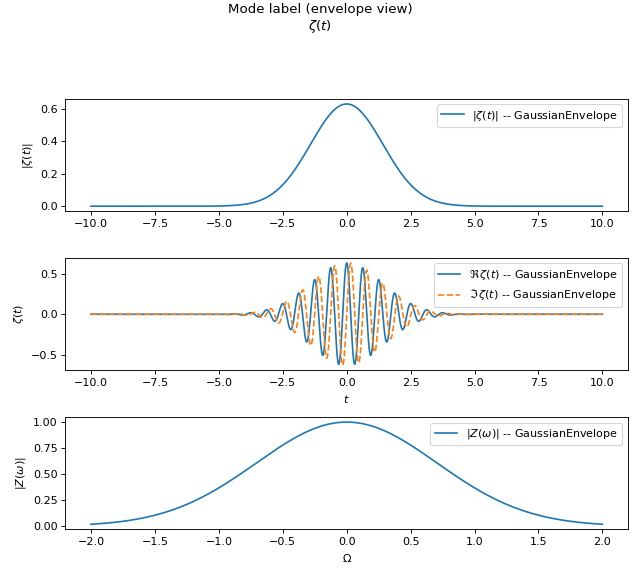
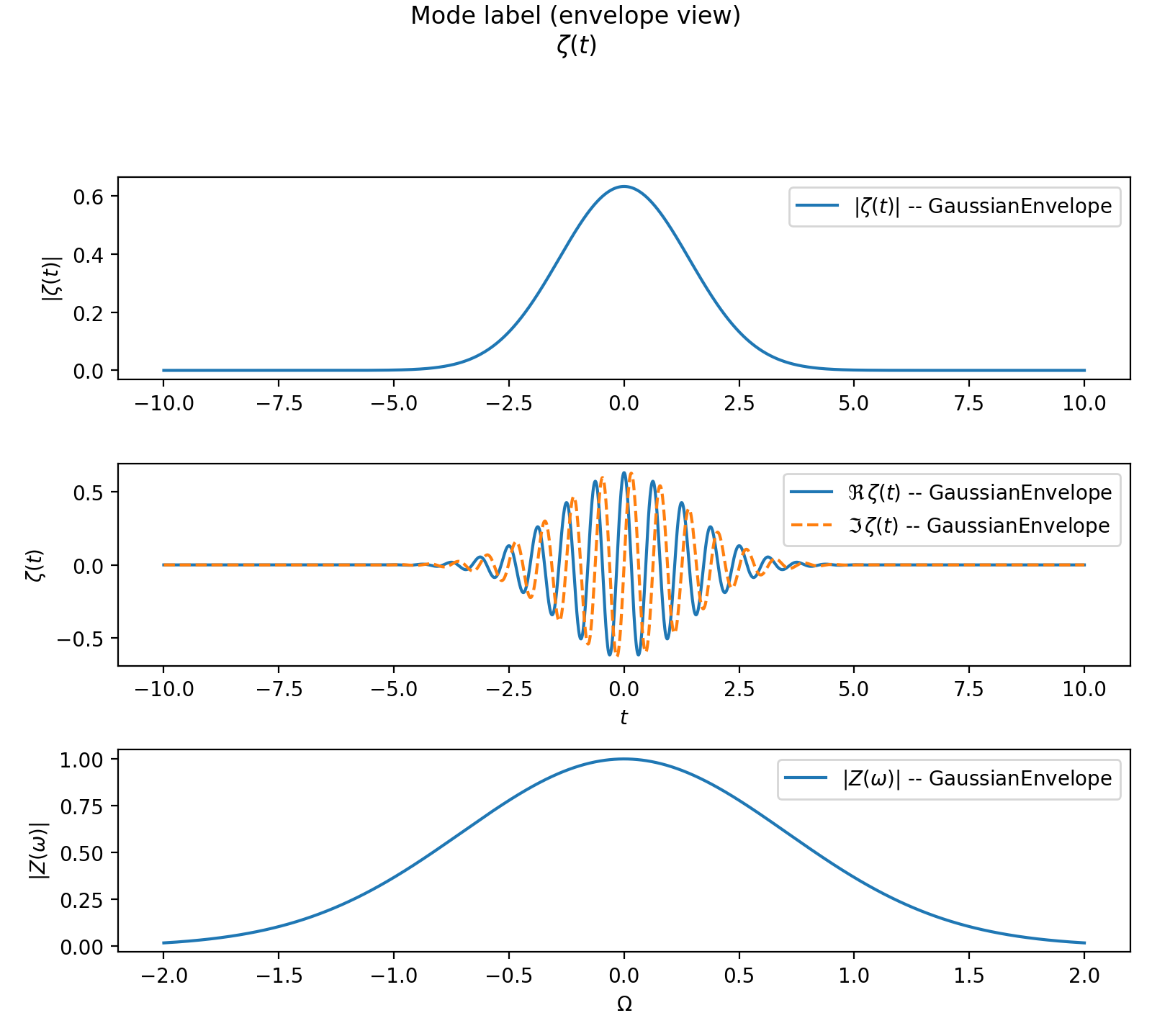
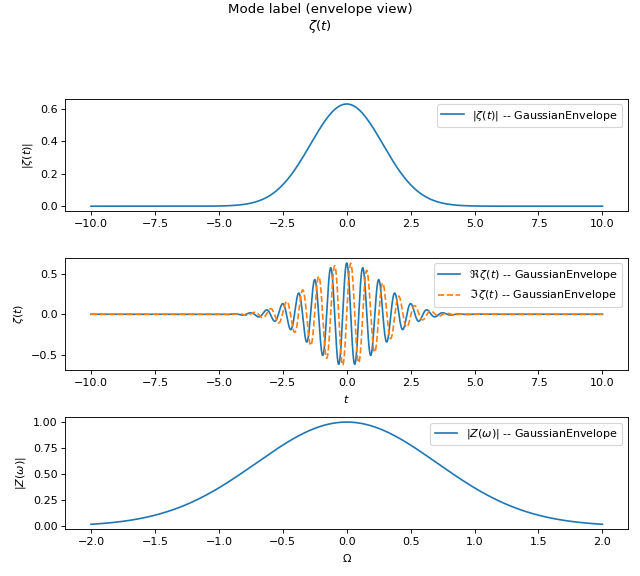
Plotting a mode label delegates to the associated envelope. This is a convenient visualization of the temporal and spectral structure carried by the label.
Design notes
A mode label is a composite semantic identifier.
Its overlap factorizes into path, polarization, and envelope overlaps.
Plotting currently visualizes the envelope component.
Stable signatures are provided for caching and comparison.